Skip to product information
1 of 10

Logitech

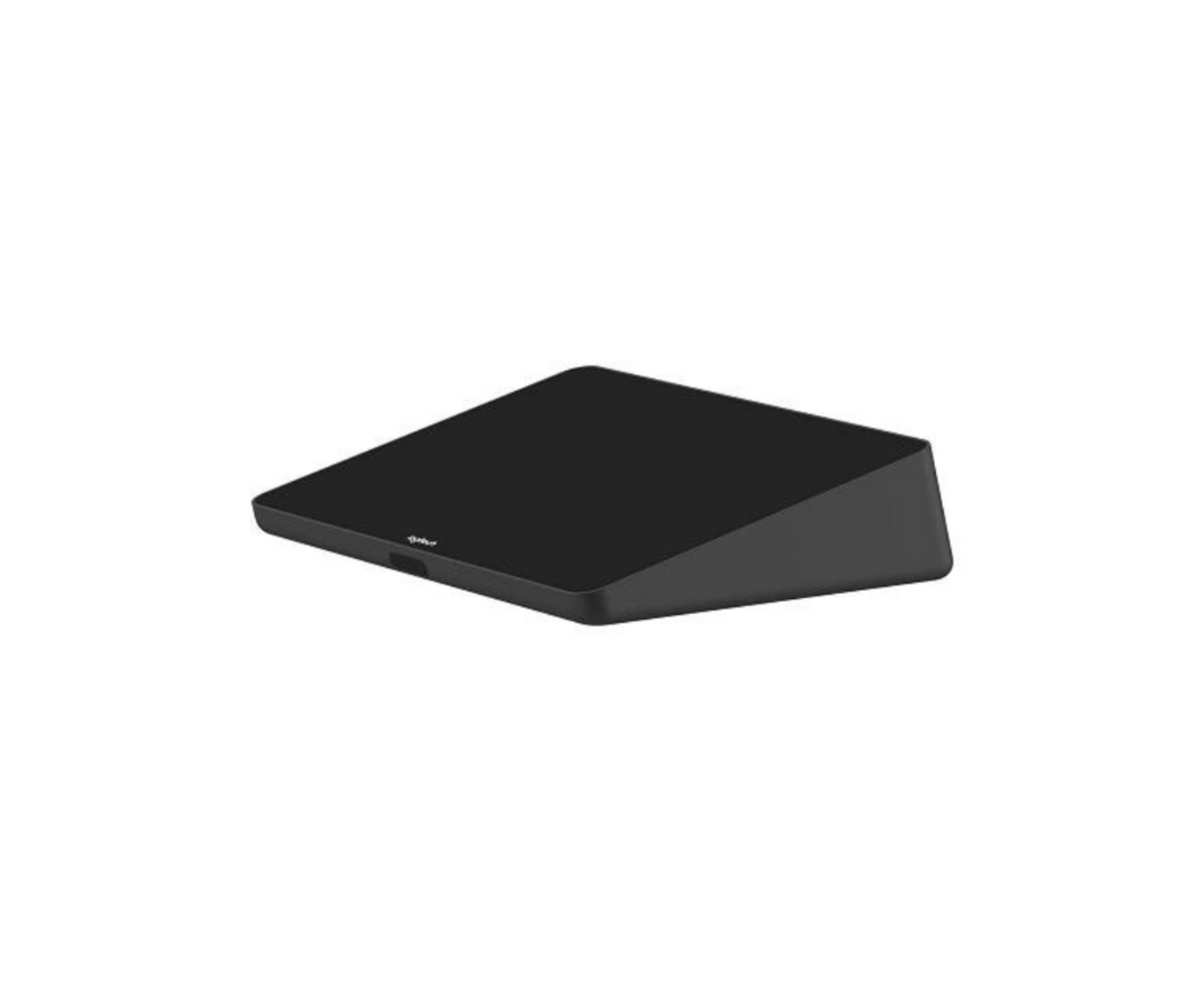
LOGITECH TAP CONTROLLER with CAT5E KIT - 939-001950

LOGITECH TAP CONTROLLER with CAT5E KIT - 939-001950

review stars 1 Review

25% Sale

Only left!

image

Free Delivery

image

Limited Stocks

In Stock - Ready to be Shipped

Regular price $1,099.00 Sale price $824.99
Shipping calculated at checkout.

Quantity

View full details
SALE ENDS IN
07 HRS
23 MINS
28 SECS
DON'T MISS IT!

Popular Add on

$30.00

$22.99

$70.00

$52.99

Add-Ons Bundle

$30.00

$22.99

$70.00

$52.99

Bundle Offer

$100.00

$75.98

Recently Viewed

LOGITECH TAP CONTROLLER with CAT5E KIT - 939-001950

Keep you virtual meetings simple to join through Logitech Tap with Cat5e. This one-touch join controller makes content sharing instant and consistent across various meeting rooms. Whether it's Zoom Rooms, Google Meet, Microsoft Teams, or other video conferencing systems, the Logitech Tap Controller ensures seamless deployment and certified compatibility.


SIMPLE AND ELEGANT

The Logitech Tap Controller has a comfortable 10.1" display that sits inconspicuously on your desk or conference table. No wait time for turning on or powering up, the Tap is equipped with a motion sensor to be ready at a moments notice.

ORGANIZED WITH MULTIPLE MOUNTING OPTIONS

The Tap Controller has a built-in cable organizing system under the back panel to prevent cable strain and accidental unplugging. Mount your Tap almost anywhere with the Table and Riser Mounts or the Wall Mount freeing up ample space in your room.

EASY INSTALLATION

Tap Controller is designed to be a plug-and-play device. The flexible cabling lets you place the Tap in a convenient spot while placing the rest of your devices in more closed off space such as a cabinet or under a display.

CAT5E KIT

The Cat5e Kit allows users to connect their Tap Controller from up to 131.23 ft away from the meeting room computer. The Trap Controller needs its own power supply and can only share content with the meeting room computer with USB. However, the Cat5e carries both power and data giving the user plug-and-play ability.

What our Experts Think
  • A professional meeting room touch controller bundle, the Logitech Tap Controller with CAT5E Kit (939-001950) provides a central interface for managing Microsoft Teams, Zoom, and Google Meet rooms.
  • 10.1” touchscreen display with a 14° angled design ensures easy viewing and intuitive one-touch meeting control in conference rooms.
  • CAT5e extension kit enables long-distance, reliable USB data + power delivery, supporting clean installations with reduced desk clutter.
  • Built-in motion sensor for always-on readiness, automatically waking the device when a user approaches for instant access.
  • Integrated cable management system hides and secures wiring, improving reliability and maintaining a clean professional meeting table setup.
  • Includes HDMI input and USB accessory support, allowing easy wired content sharing and peripheral expansion when needed.
Q&A

Q: What is the Logitech Tap Controller with Cat5e Kit (939-001950)?
A: A touchscreen meeting room controller designed for one-touch join and seamless video conferencing control.

Q: What is included in the kit?
A: Logitech Tap touch controller plus Cat5e kit for flexible installation and clean cable management.

Q: What is it used for?
A: It controls video meetings in conference rooms, enabling easy join, volume control, and meeting navigation.

Q: Which platforms does it support?
A: Compatible with Microsoft Teams Rooms, Zoom Rooms, and Google Meet hardware setups.

Q: How is it installed?
A: Flexible installation using Cat5e cabling for extended placement and tidy room setup.

Q: Is it suitable for enterprise use?
A: Yes, it is designed for professional meeting rooms with reliable performance and centralized management.


Maintenance Tips
  • Clean touchscreen daily with a microfiber cloth and screen-safe cleaner; avoid harsh chemicals.
  • Do not spray liquid directly on the display—apply cleaner to cloth first.
  • Keep Cat5e and power cables securely connected and free from bending or strain.
  • Check cable routing regularly to prevent pinching or wear in conference table installations.
  • Wipe base and housing with a soft dry cloth to remove dust and fingerprints.
  • Ensure firmware is updated for optimal performance, compatibility, and security.
  • Restart controller periodically to resolve minor touch or connectivity issues.
  • Keep device away from heat, moisture, and direct sunlight to extend touchscreen lifespan.